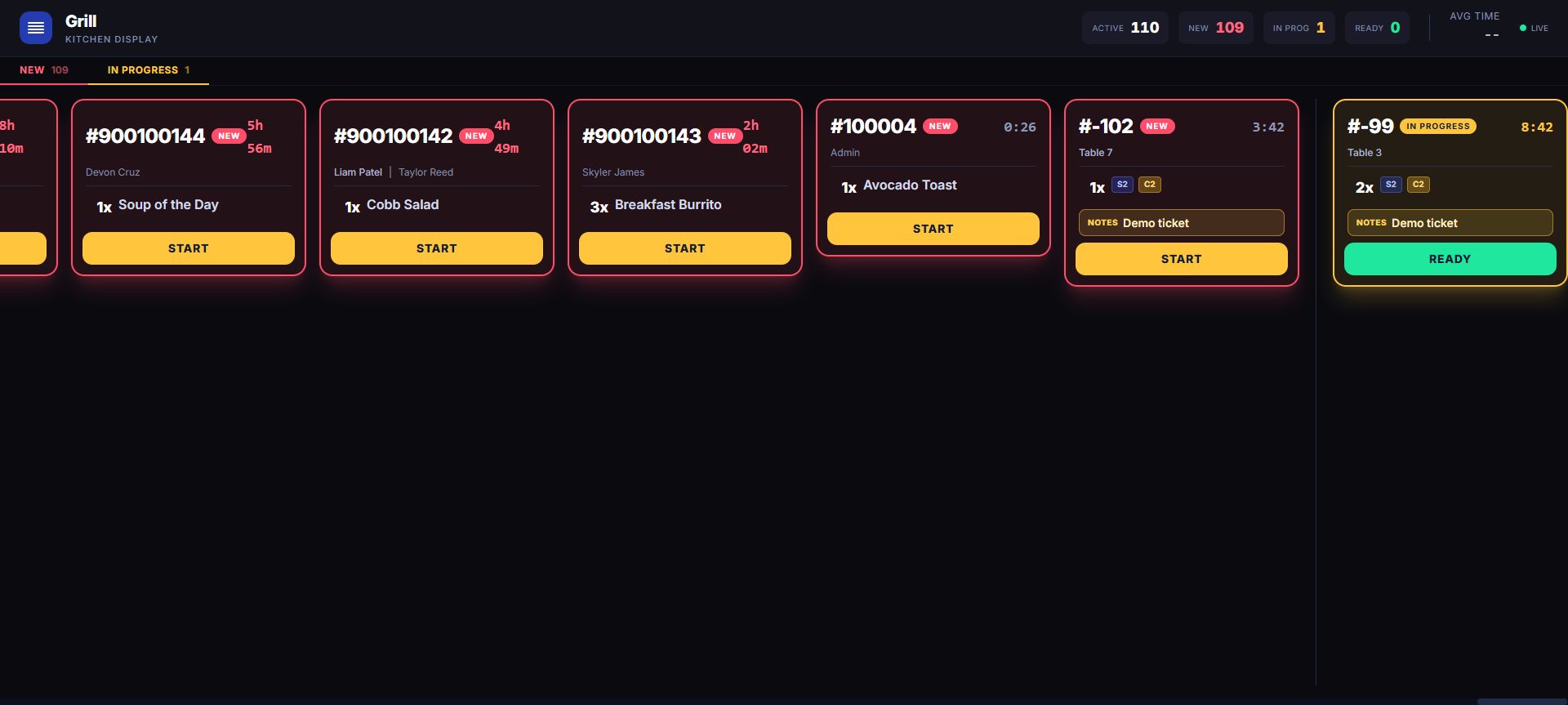
Test one complete business day
Start at the dashboard, build a representative cart, attach a customer, and finish a simulated sale. Then follow the transaction into stock, rewards, employee attribution, drawer activity, and reports. Hospitality buyers can carry a check into the kitchen or bar. Service buyers can move from the staff-managed calendar into checkout.
Bring the hard case into the demo
Use the exact-size apparel SKU, the low bottle count, the partial supplier delivery, the restricted item, the modifier-heavy ticket, or the appointment with a retail add-on. LiftedPOS is easier to evaluate when the example resembles the work your staff already knows.
Want us to map this to your operation?Tell us your locations, station count, products or menu, employee roles, hardware, payment setup, and the exceptions you need to prove. We’ll use that context to shape the next sales conversation and onboarding scope.
Discuss your setup